UPDATED: How to Redeem Ticket Codes
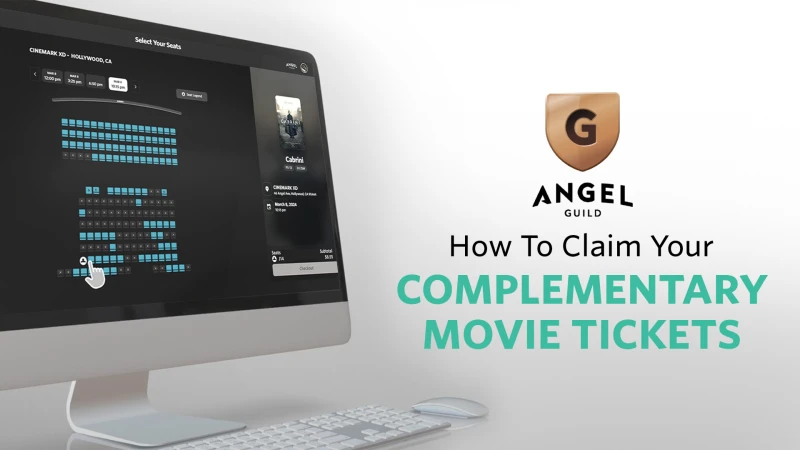
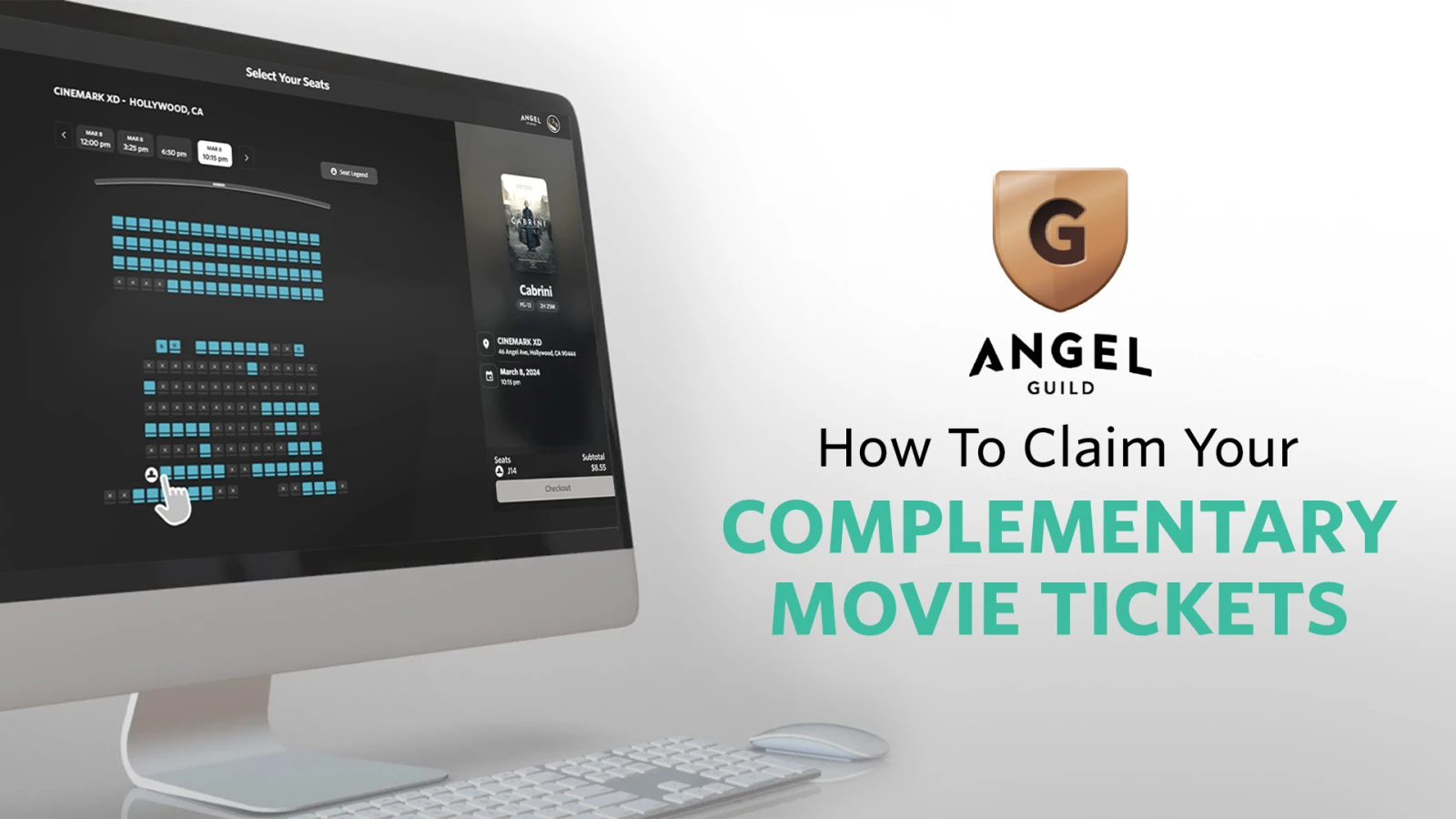
Premium Guild Memberships receive 2 tickets to each Angel theatrical release. Follow the instructions below, for either the web or a mobile device, to redeem yours!
We partner with Atom Tickets in order to make this promotion available to you. Unfortunately, not all theaters are compatible with this service. Preorder ticket codes can only be redeemed at Angel Partner Theaters on the Angel website. You can find our list of Angel Partner Theaters here.
If there is not an Angel Partner in your area, we encourage you to contact Support to see what our team can do for you!
On our website (angel.com):
OR on the Mobile app:
For additional help, Contact Support Here
If you are using your Premium Guild Membership redemption codes from your email, please follow the instructions below:
Visit the Angel Studios website at angel.com/tickets.
Search for the movie you want to see and click “Get Showtimes.”
Search for your preferred theater, date, and showtime. Only eligible Angel Partner Theaters will show up on this page. You can find our list of Angel Partner Theaters here.
Select your seats and proceed to checkout by clicking the "Next" button.
Enter your ticket code:
Under “Show Order Summary,” click “Add Promo Code.”
If necessary, remove any auto-applied discounts before applying your ticket codes by clicking the "x" next to the discount, or the codes won’t work.
Enter your code and click "Apply." (If you have multiple codes to redeem tickets, enter them one by one.)
Verify your showtime and price total.
Enter your email or log into your account if you have one. Then click “Continue To Checkout.”
Double check everything looks correct, and enter your payment details if needed.
Click the green "Pay" button to complete your order. You will receive a confirmation email and be redirected to the ticket confirmation page. You can also access the tickets under "My Tickets."
Important Notes:
Auto-applied discounts: You cannot stack discounts. If purchasing additional tickets not covered by your ticket codes, fees will apply to those tickets. Our “NOFEES” discount cannot be used in the same transaction as ticket codes. To avoid fees, process your ticket codes and any additional tickets as separate transactions.
Transaction limit: You can redeem up to 10 ticket codes in one transaction. For larger groups, you’ll need to process additional transactions.
Unavailable theaters: If your preferred theater isn’t listed on angel.com/tickets, it may not yet be partnered with Angel. Check back regularly for updates or choose an alternative theater.
Modifications: You can modify or cancel your reservation up to one hour before showtime by logging into angel.com/mytickets.

Enjoy the show!
FAQs:
1. Can more than one person use a code?
Yes. Simply share the code, and others can redeem tickets individually.
2. What if I don’t want to use all my tickets for one showtime?
Codes can be shared and used until all tickets are redeemed. You aren’t limited to a single showing.
3. How can I purchase group tickets?
Visit angel.com/tickets, enter your zip code, and look for participating theaters. If available, select the "Group Discount" option to purchase multiple tickets.
4. What if I encounter issues redeeming my ticket code?
Contact the Angel support team at angel.com/help.
Thank you for supporting Angel's mission to amplify light through meaningful entertainment!
Compartir
Sharing Options
Enlace de página